The TRIGGERCAM mobile app provide the user with fully integrated control interface to your TRIGGERCAM through Wi-Fi connectivity. The app is available on both IOS & Android platforms downloadable from the app stores free. The app provides users with the following interactive functions:
| Aircraft grade aluminium and proprietary anti shock materials: | Military grade design, engineered to withstand recoil force and unforgiving outdoor conditions |
| Dimensions L x W x H : | 100mm x 50mm x 93.2mm |
| Weight: | 453 grams |
| Rifle Scope Eyepiece compatibility: | 32mm 48mm |
| Smart Phone APP: | TRIGGERCAM 2.1 APP available on Android, IOS & Huawei operating systems. Live streaming capability, video gallery, camera control, download and edit videos. |
| Memory: | SD Card up to 128G, Class U3 or Above. |
| Wi-Fi: | Integrated Wi-Fi with live streaming function and instant downloading of videos |
| Quick record: | Switches on power and record function for instant recording |
| Optics: | Multi coated optical lens for optimal performance. |
| Video stabilization: | Advanced video stabilization technology assists in optimal quality videos minimizing recoil effects. Function can be switched ON/OFF |
| Waterproof: | IP64 rating |
| Battery: | Integrated lithium ion battery with 2.5 hours recording time, and 10 hours standby time |
| High definition slow motion video replay: | 4 x (1080P 100/120fps) / 8 x (720P 200/240fps) |
| True sound microphone: | Able to record high quality sound 360 degree true sound, able to switch on and off |
| Resolution: | 4K 30fps |
| 1080P 120fps/60fps/30fps | |
| 720P 240fps/120fps | |
| USB: | C-type USB, |
| HDMI: | Micro HDMI for TV output |
| Video output: | PAL/NTSC |
| Recording Timing Alarm: | Off/3min/5min/10min |
| Input Voltage: | 5V |
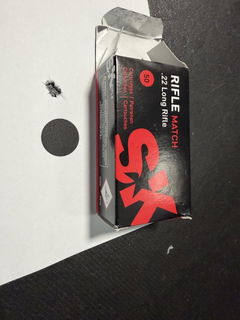
Even the best 22LR rifles can be fickle about the ammunition they need to run at their best.
My Anschutz MS54 shoots really tight groups with this stuff. And it’s not expensive…
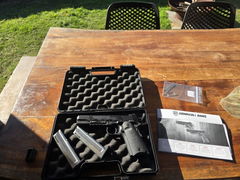
The guys were really helpful in sorting out a pistol for me and sending it to my closest shop up here in QLD. I would definitely recommend calling and having a chat or drop in if your local. Thanks again guys.
These are the best projectiles. My lithgow 102 topped with a leupold 6HD 4-24 scope with the custom dial is set for these projectiles. I shoot nothing else. They are accurate enough to out shoot others at the range and I can confidently drop a deer out to 400 odd meters with one shot. Highly recommended projectiles
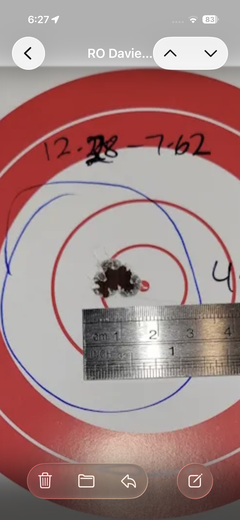
Outstandingly accurate projectile, very consistent base to ogive dimensions across the 6 boxes I purchased. Less than 0.002” variation across the entire lot. Devastating projectile on soft, thin skin game like fox. Perfectly suited to short 22” barreled 22 Creedmoor with muzzle velocity in the 3400fps range.
Terrific, prompt service. Excellent communication.